FLUX.2 Pro vs GPT Image 1.5
Two AI image models, one credit balance. Here is how they differ on price, length, resolution and sound. Every number is what Cirrela charges today.
Side by side
| Feature | FLUX.2 Pro | GPT Image 1.5 |
|---|---|---|
| Made by | Black Forest Labs | OpenAI |
| Good at | Photographic detail with precise prompt following | Graphic design, typography and layouts |
| Price for a default image | 5 credits, one image | 20 credits, one image |
| Images per prompt | Up to 1 | Up to 4 |
| Best resolution | — | — |
| Start from a photo | Yes | No, text only |
| Formats | 1:1, 16:9, 9:16, 4:3, 3:4 | 1:1, 3:2, 2:3 |
Run the same idea through both
Pick a prompt, make it with each model and keep the one you like. The pictures were made with Cirrela to show the idea, not necessarily with these two models.
 Example
Polished 3D animation: a small friendly robot carefully assembles a glowing glass cube on a clean pastel studio set, soft global illumination, smooth camera orbit, playful mechanical sounds
 Example
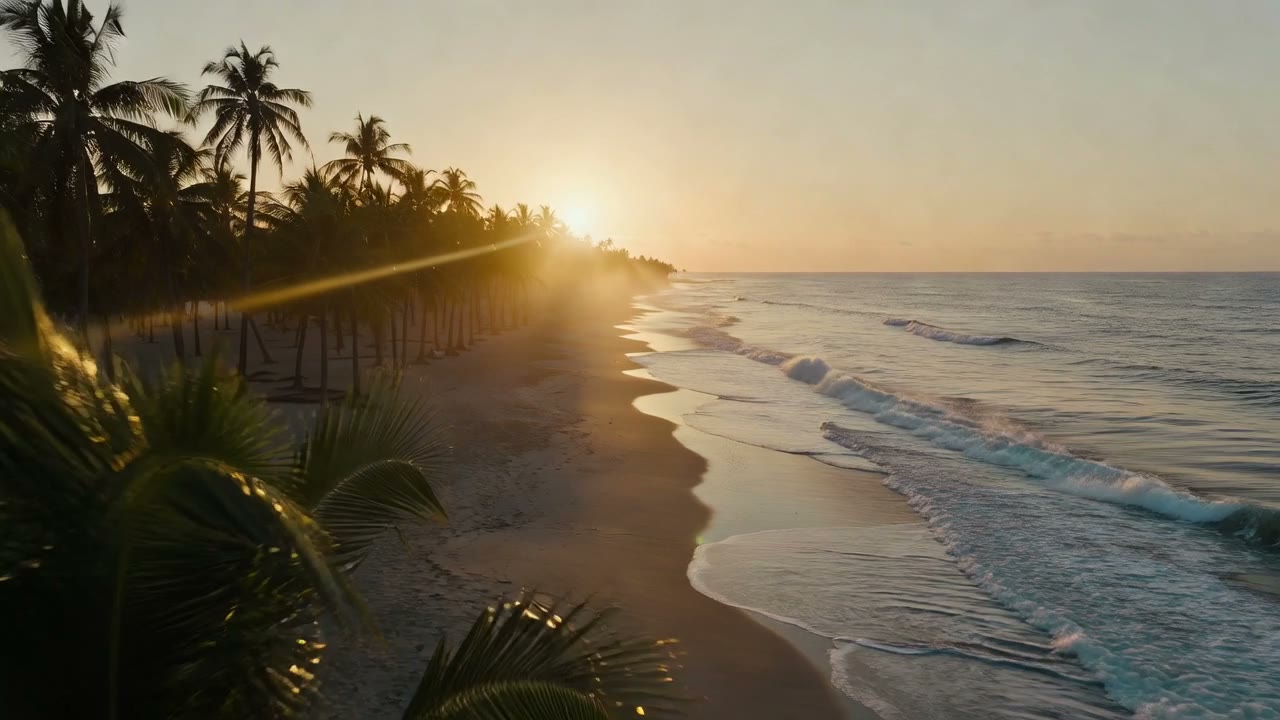
Fast FPV drone skimming over a palm-lined beach at golden hour, waves rolling in, warm haze, anamorphic lens flare, ocean and wind sound
 Example
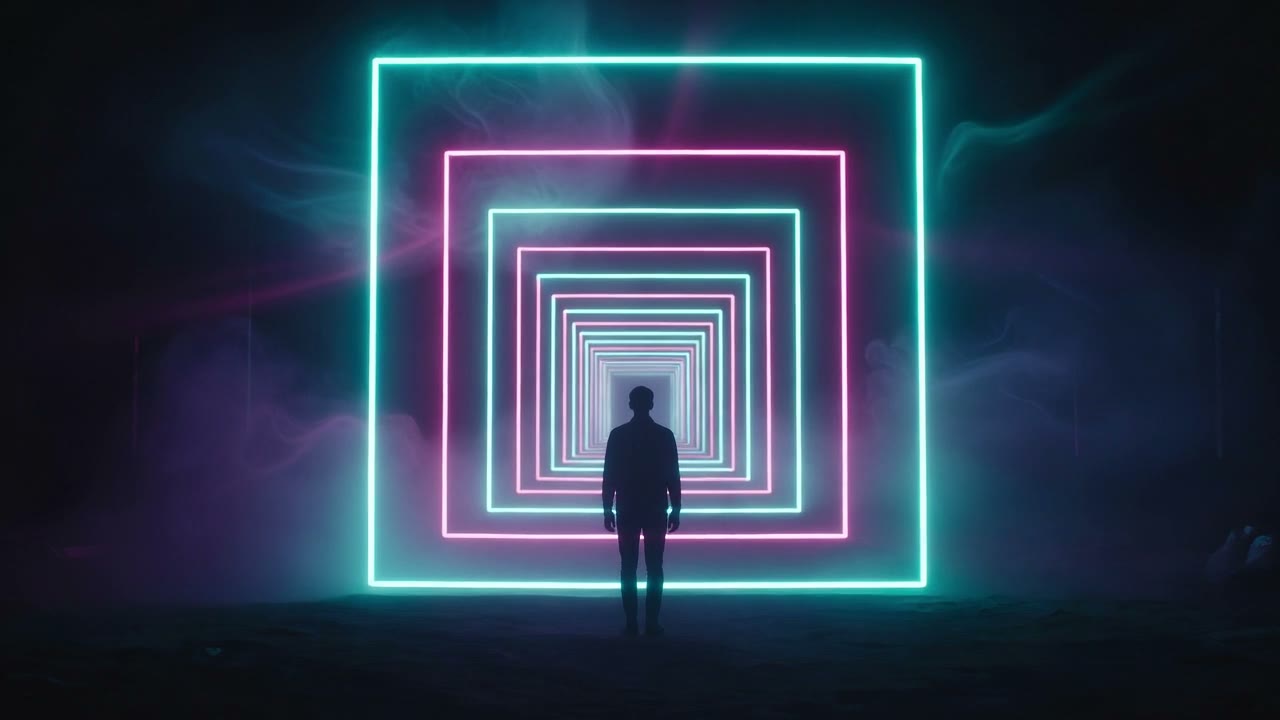
A lone silhouette faces an endless tunnel of square neon light, slow push-in, volumetric haze, deep cinematic hum
 Example
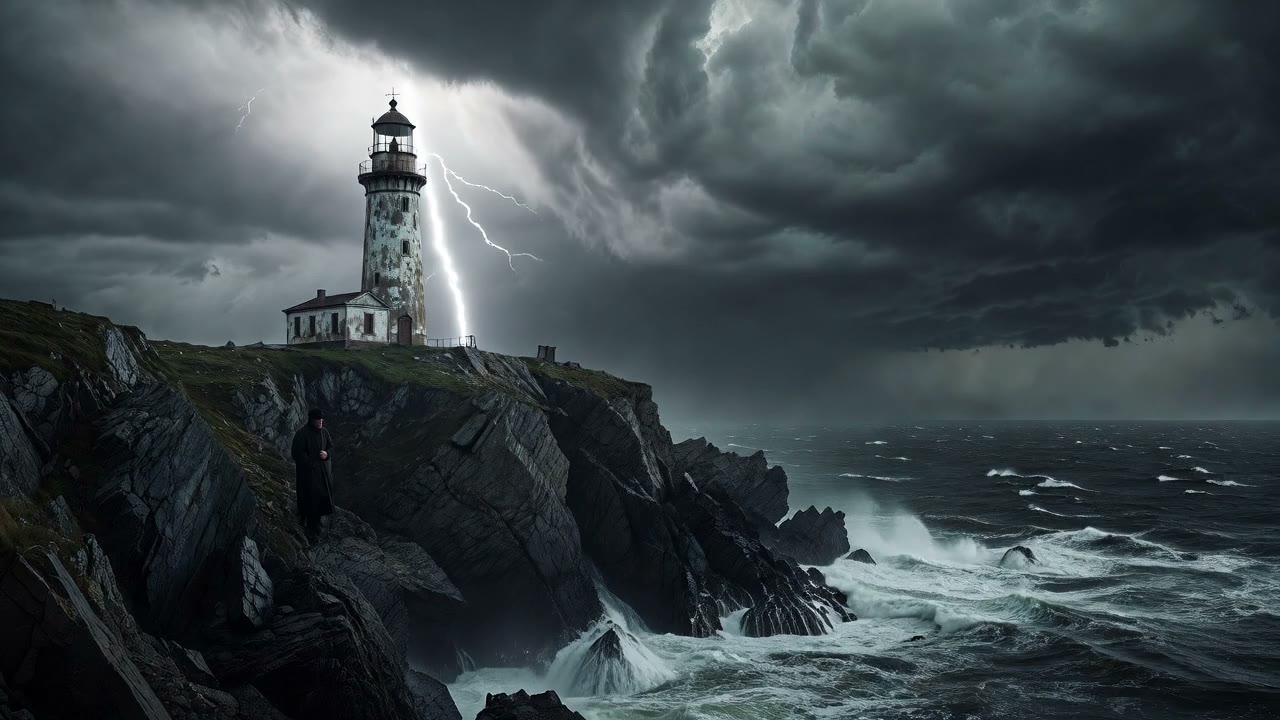
A lighthouse keeper watching a storm roll in, dark waves crashing on the rocks below, cinematic wide shot, wind and distant thunder
Which one should you pick?
Pick FLUX.2 Pro if
- you want the lower price: 5 credits against 20 for a default image.
- you want to start from a photo.
Not sure? Make the same idea with both. Failed renders are refunded, and the Create button shows the exact price before you click.